
CONTINUOUS ANALYSIS
Security analysis that keeps running.
PexLens continuously monitors enrolled devices and package activity in the background, running scheduled scans and checking device heartbeats to keep security analysis up to date.
Request a Demo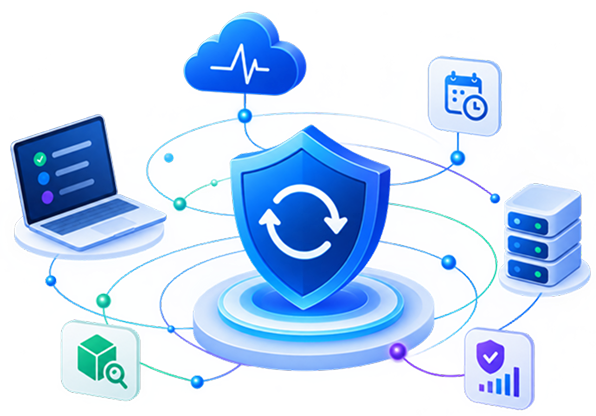
Always On
PexLens runs in the background silently.
Always Checking
Heartbeats keep security up to date.
Always Visible
See what happened, when it happened.
The Problem
Security visibility goes stale when nothing is checking.
A package may be safe when it is first analyzed. A device may also become inactive, receive new packages, or encounter new threats later. Continuous Analysis keeps PexLens running in the background so package activity and device state don't go unchecked.
Without Continuous Analysis
Unprotected Gap: After the initial scan, any newly introduced dependencies, version updates, or browser extensions go completely unchecked until manual auditing.
Active Protection with PexLens
Continuous Coverage: Background agent transmits continuous heartbeat telemetry and intercepts new package installations instantaneously to enforce security findings.
How PexLens Works
Always running. Always checking.
PexLens runs in the background to keep your environment continuously analysed and protected.
01
DEVICE
Enrolled device / Activity state tracked smoothly across the fleet.
02
BACKGROUND SERVICE
PexLens EXE background agent runs on low payload resource footprints.
03
DEVICE
Scheduled scans, live heartbeat pinging and package validation checks.
04
SECURITY RECORD
Centralized audit trial logs containing detailed scan history.
Continuous Visibility
From continuous analysis to continuous visibility.
Every scan and security event becomes part of a persistent security record — giving teams a clear view of what was checked, what changed, and where threats were detected.
The watch never stops. Neither do the threats.
New packages and versions analysed continuously, the moment they're published.